1
No copying, no importing
Files stay in place. ePlayer only reads them.
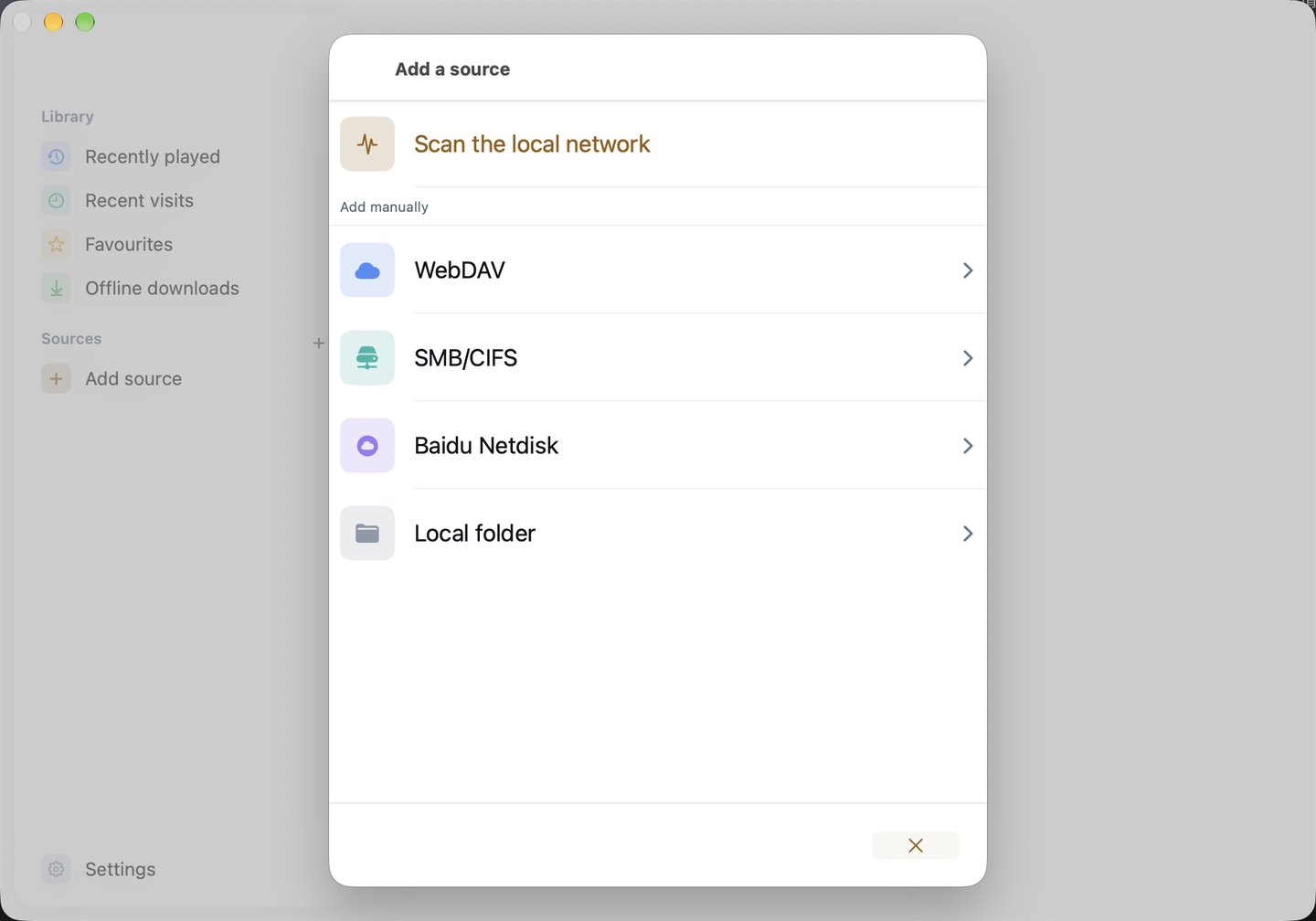
Pick the folder or external drive that holds your course. ePlayer adds it to the sidebar, lets you browse chapter folder by chapter folder, and plays the files where they are.
Files stay in place. ePlayer only reads them.
Natural filename sorting puts lesson 2 before lesson 10, and the next lesson in the folder plays automatically.
Local folders are not counted against the one network source in the free version.
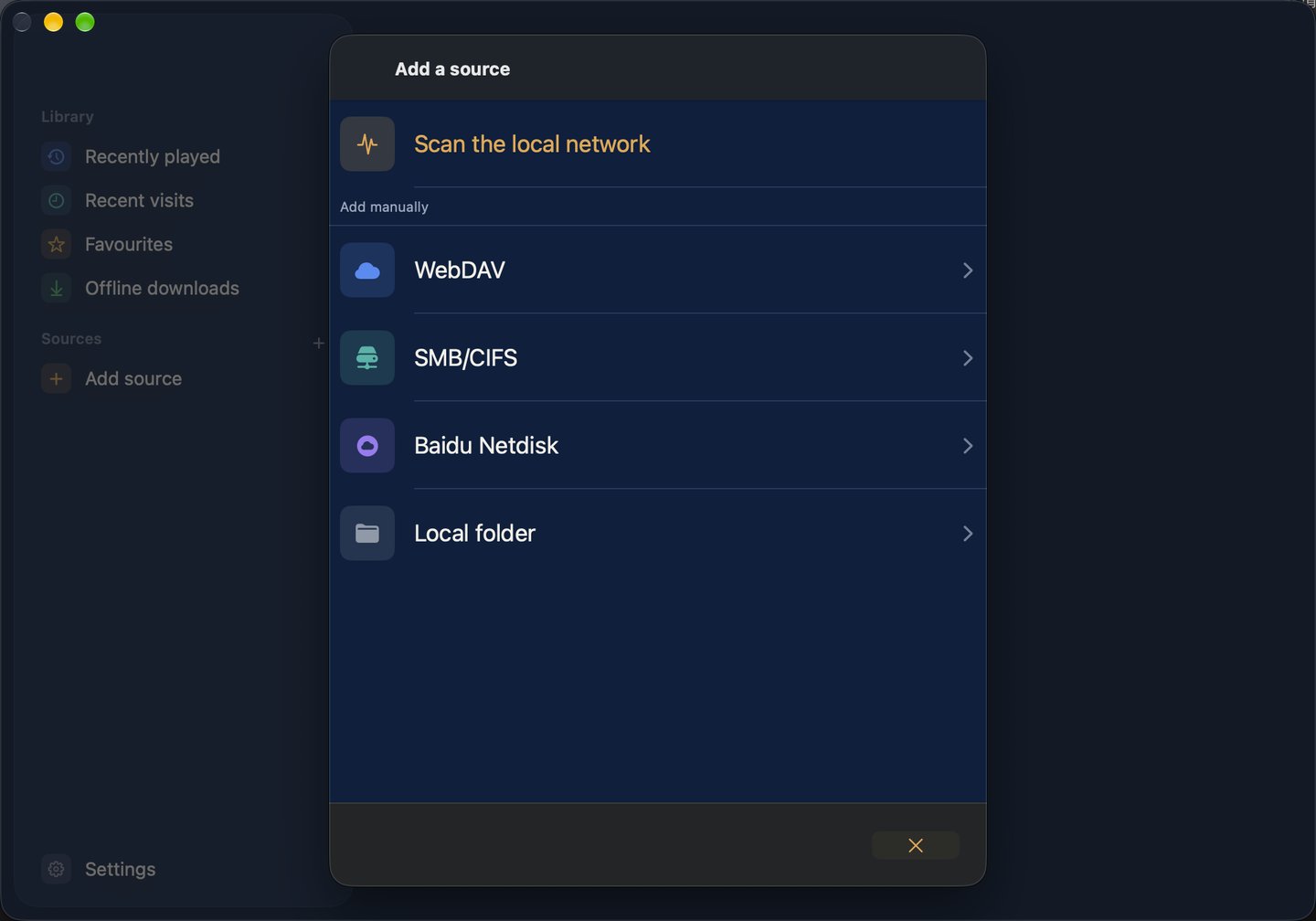
In the Mac app, choose Add source → Local folder and pick a folder in the dialog. Local folders are available on Mac only.