Courses and tutorials,
one lesson after another.
Open the courses on your NAS, cloud drive or Mac. Set the speed once for every lesson, pick up where you left off, and the next lesson starts on its own.
One lesson at bedtime.
It stops on time.
Lie down to review a lesson, pick a time, and ePlayer stops by itself. Nothing plays until dawn.
☾Sleep timer
Playback stops in 29:46
Your downloaded course
is the library.
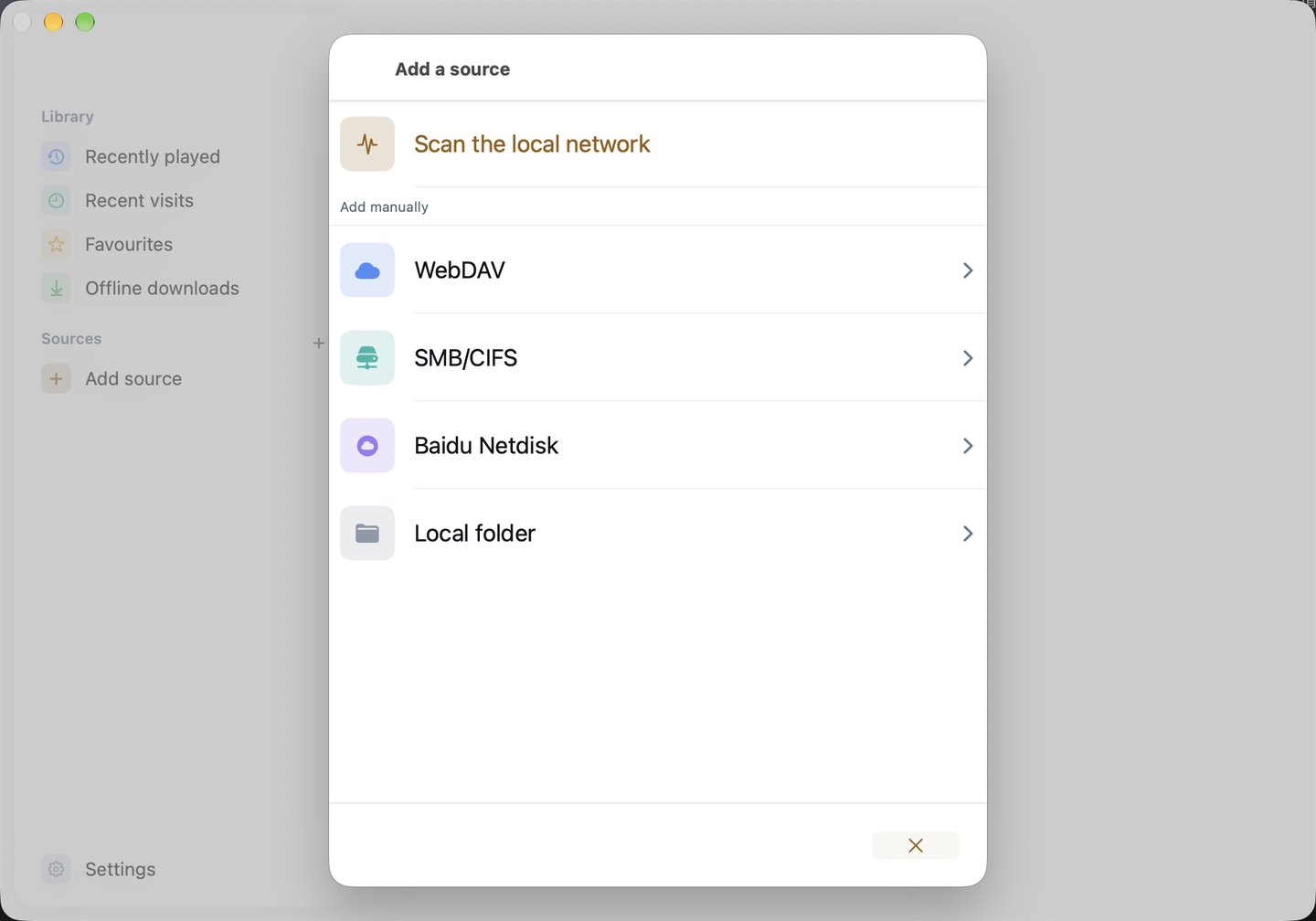
On Mac, pick the folder or external drive that holds your course. ePlayer adds it to your library so you can browse it chapter folder by chapter folder.
Dozens of lessons.
Set the speed once.
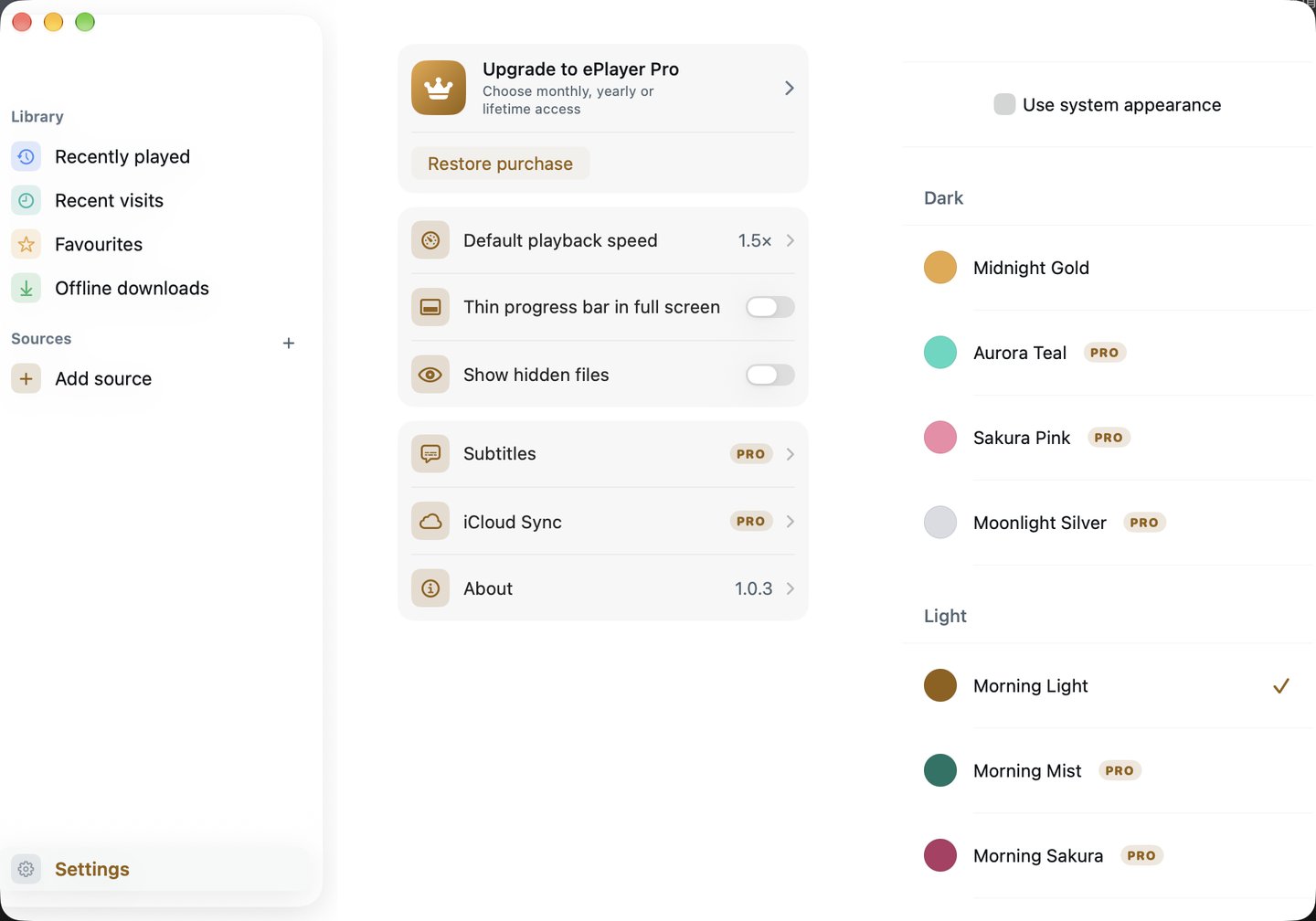
Choose 1.5× or 2× in Settings and every lesson plays at that speed. No more adjusting each one.
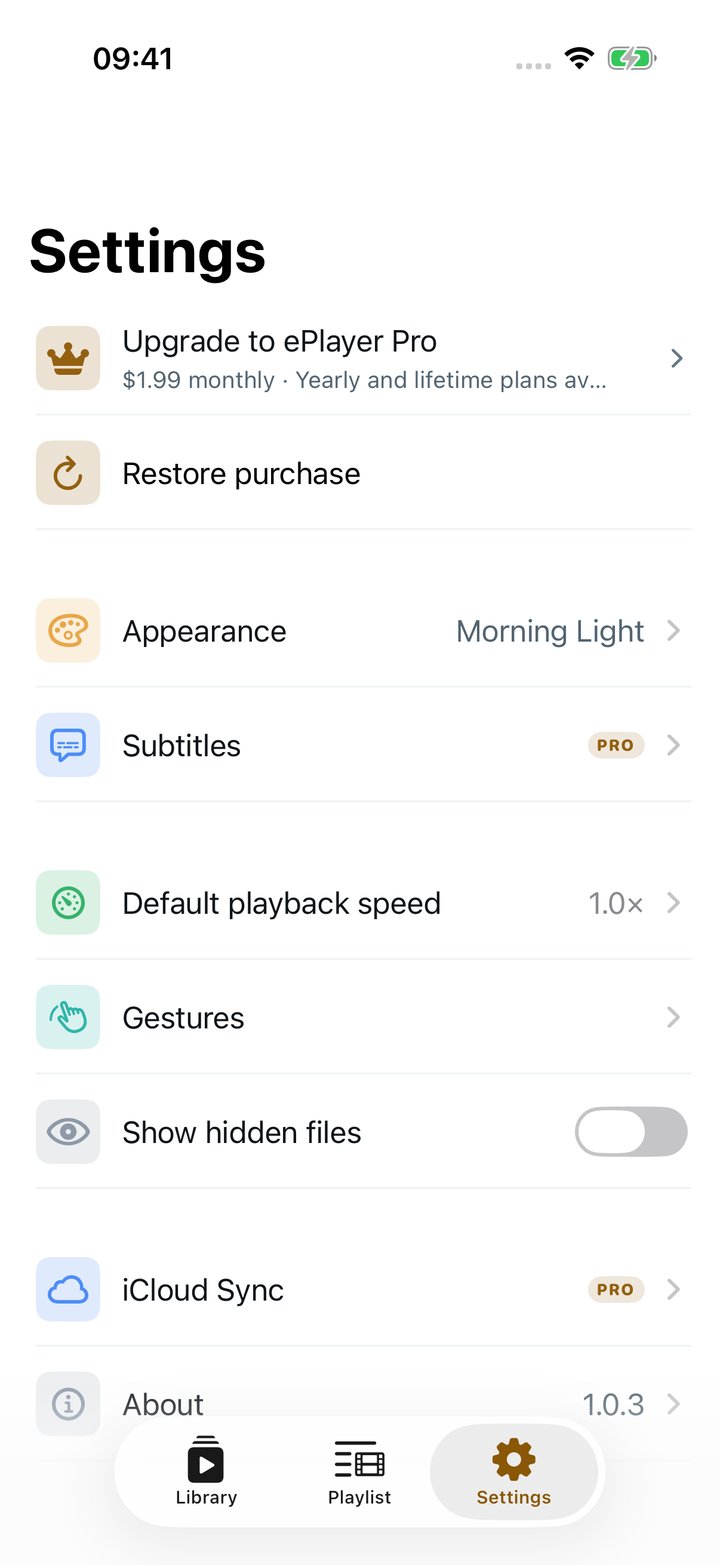
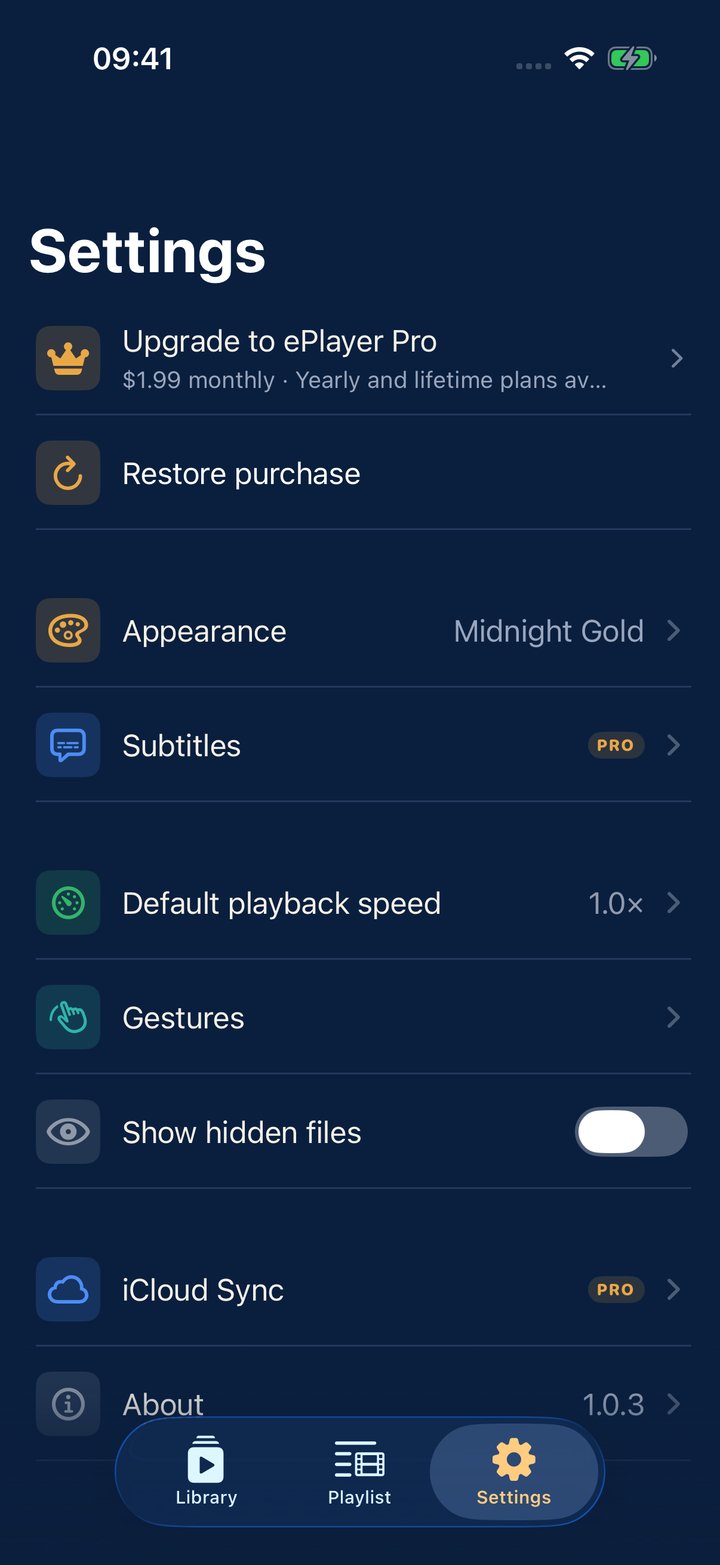
Set once, used everywhere
Home and cloud,
in one place.
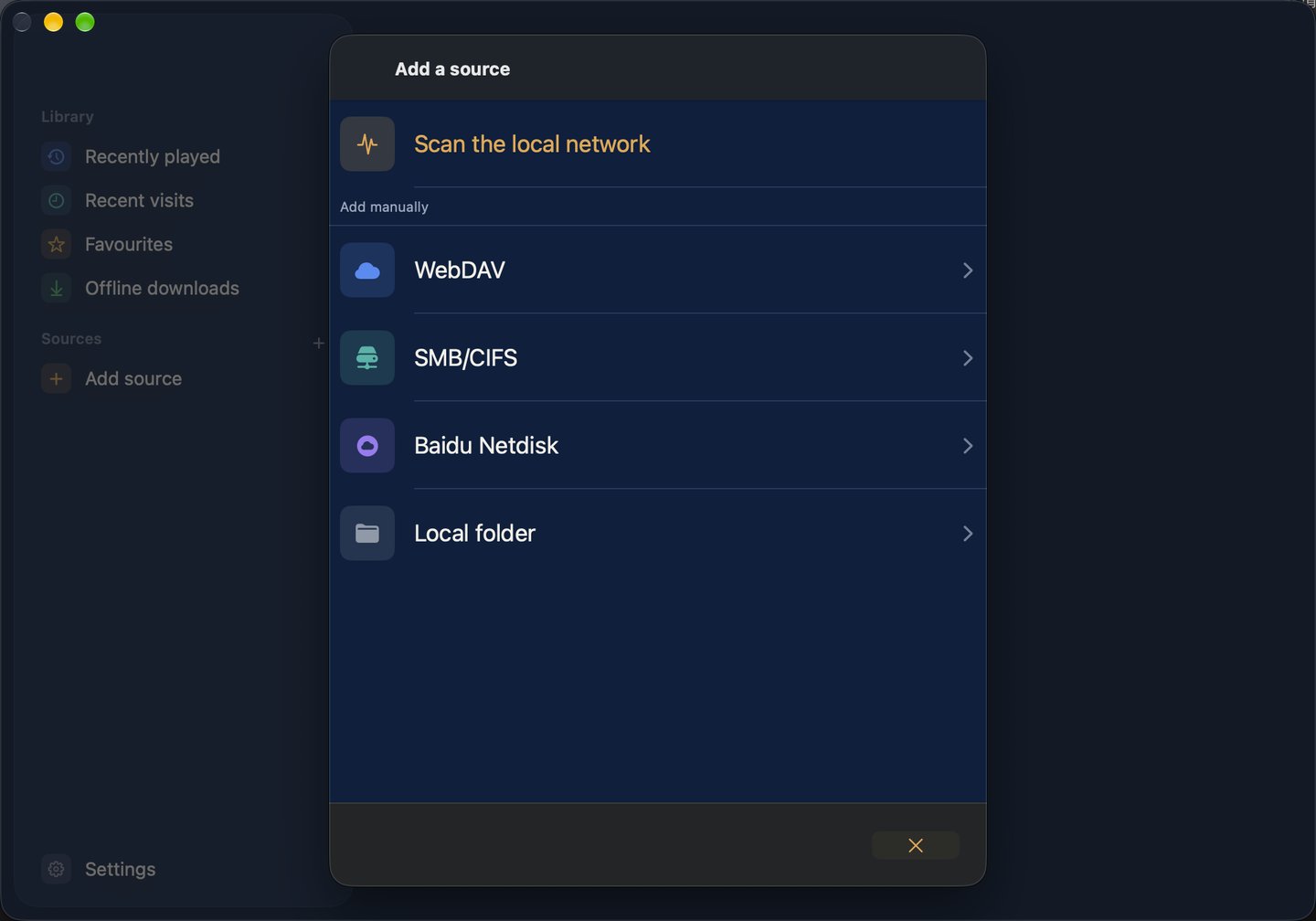
Or scan the local network to find your NAS automatically.
WebDAV
NAS, private clouds and any WebDAV server.
SMB / CIFS
Shared folders on your network.
Baidu Netdisk
Sign in to browse and play your videos.
Thoughtful down to the details.
Subtitles
Load matching subtitles automatically
Dual subtitles
Two subtitle languages on screen at once.
AirPlay
Send video to Apple TV or AirPlay TVs.
Picture in Picture
Keep watching while you do other things.
iCloud Sync
Sources, progress and favourites stay in step on every device
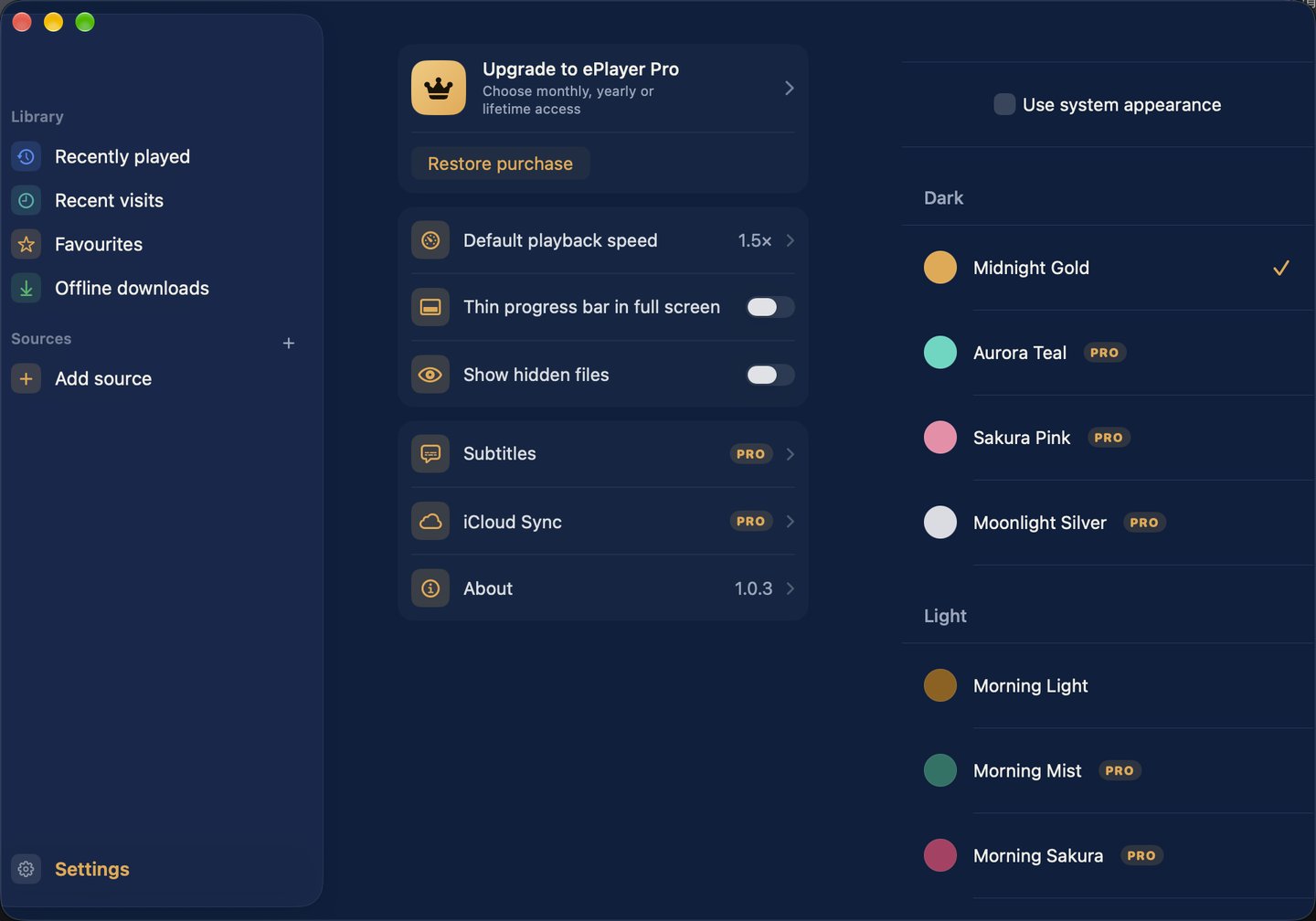
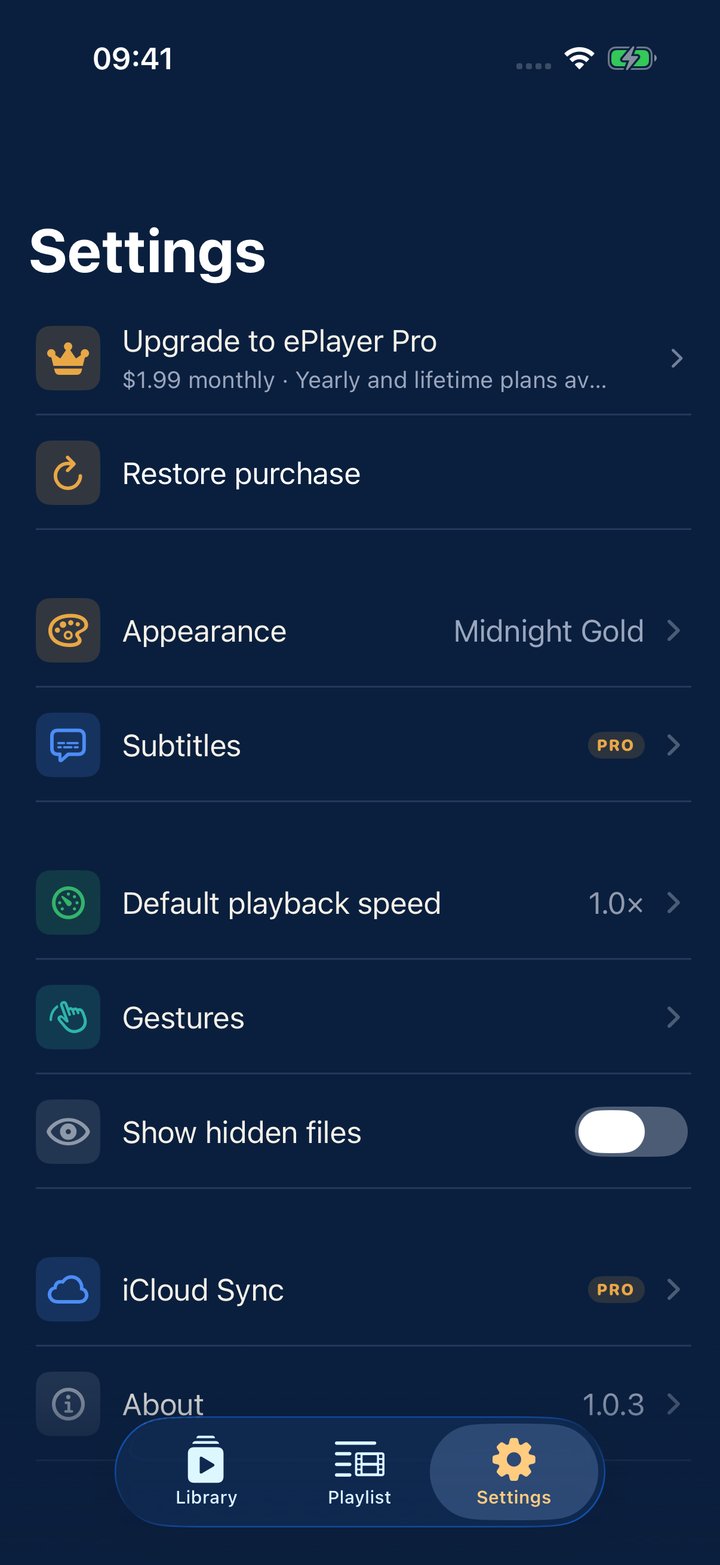
Four skins
Midnight Gold · Aurora Teal · Sakura Pink · Moonlight Silver
Free to use. Pro makes it complete.
Monthly
- Cancel anytime
- All Pro features
Yearly
- Better value than monthly
- All Pro features
Lifetime
- Pay once, keep forever
- All Pro features
Questions
Which devices does ePlayer support?
iPhone, iPad and Mac, all from the App Store.
How do I connect my NAS?
Tap Add source, scan the local network or enter a WebDAV / SMB address and account. See Support for details.
Does it remember where I stopped in each lesson?
Yes. Each video resumes where you left off and is marked as watched once you reach 98%. When a lesson ends, the next one in the same folder plays.
How do I restore a purchase?
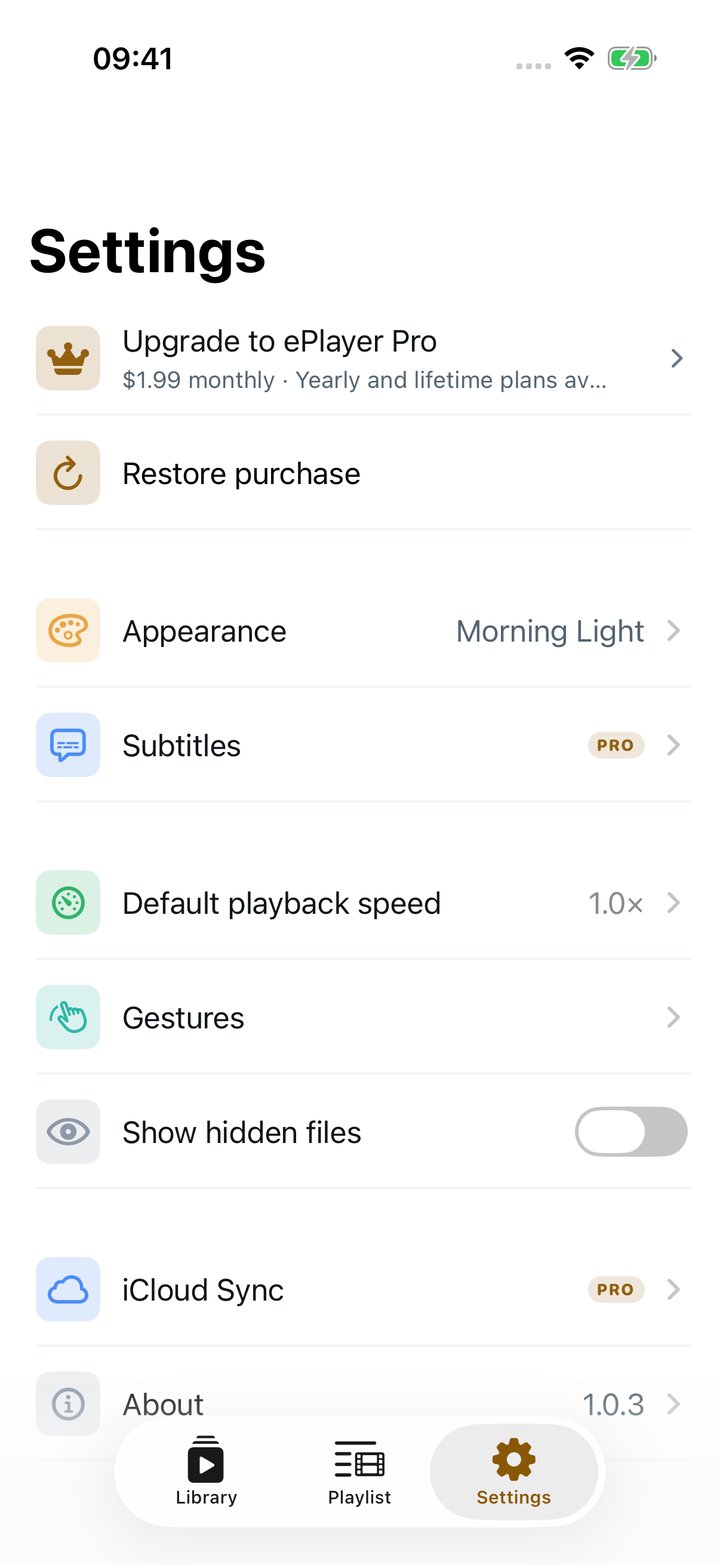
In Settings, tap Restore purchase with the Apple Account you bought with.